You've invested in a better webcam, arranged your lighting, cleaned up your background, and finally have a streaming setup you're happy with.
Then someone in chat types: "I can't hear you."
Not exactly the start you were hoping for.
Audio is one of those things that's easy to overlook when you're getting ready to stream. Most creators naturally focus on how everything looks on camera.
But think about it from a viewer's perspective. If they're trying to have a conversation with you and your voice keeps cutting out, the experience gets frustrating pretty quickly.
The good news? You don't need a professional recording studio to improve your sound.
Before buying anything, test what you already have
A new microphone isn't always the answer.
Sometimes the problem is simply that your microphone is too far away, your computer has selected the wrong audio input, or background noise is interfering with your voice.
Record a short video using your normal streaming setup.
Speak at your usual volume, move around as you would during a show, and play the recording back.
Does your voice sound clear? Is there an annoying hum? Does the volume suddenly change when you turn your head?
These are the things you want to identify before spending money on new equipment.
Your room might be creating the problem
Have you ever noticed how different your voice sounds in an empty room compared to one with curtains, furniture, and a rug?
Hard surfaces reflect sound, which can create an unpleasant echo.
You don't necessarily need acoustic panels covering your walls. Sometimes adding curtains, a rug, or other soft furnishings helps reduce those reflections.
Also, think about the small noises around you.
A desk fan, an open window, or a computer running loudly might not bother you in person, but your microphone can pick up those sounds.
A microphone doesn't have to be expensive
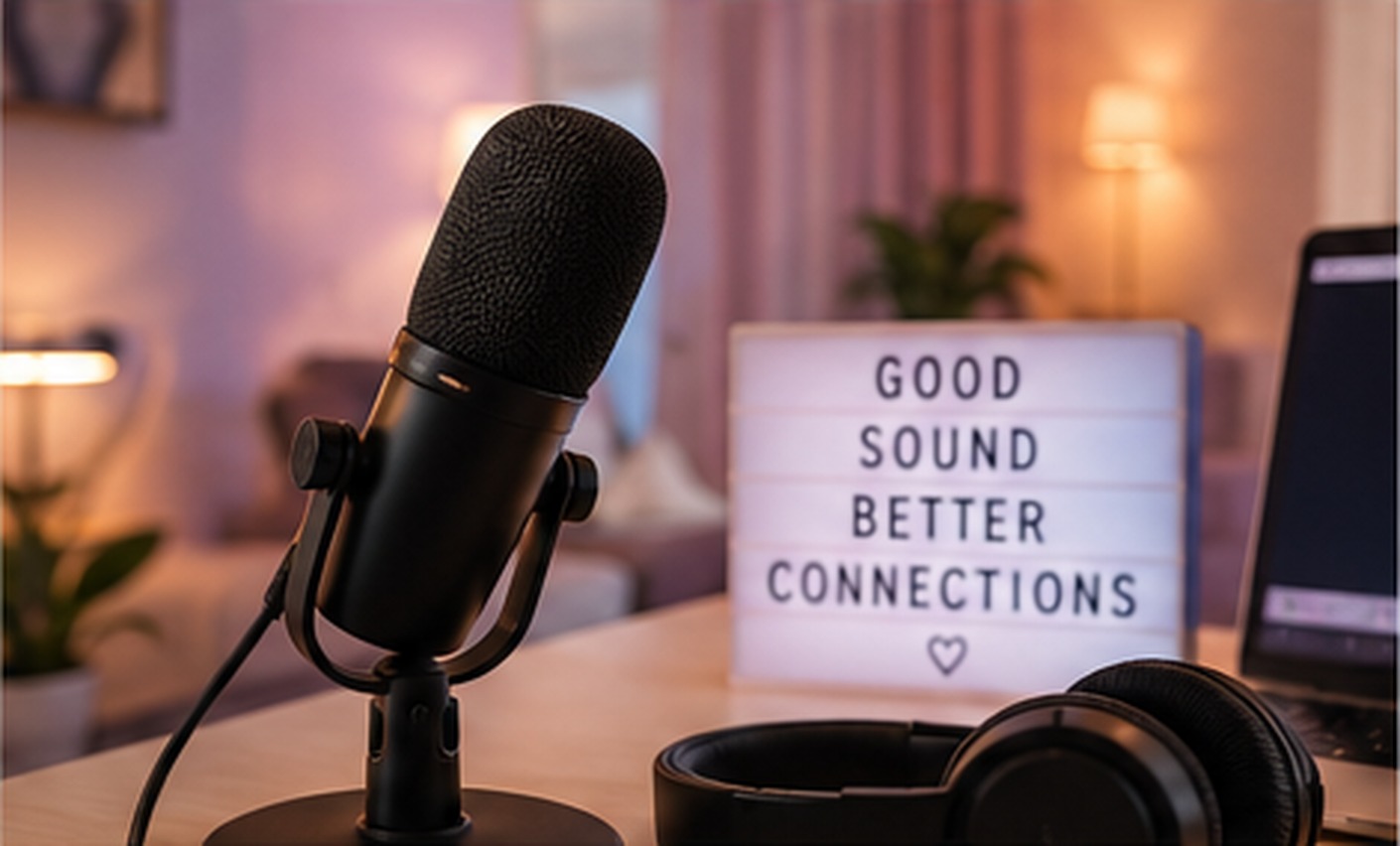
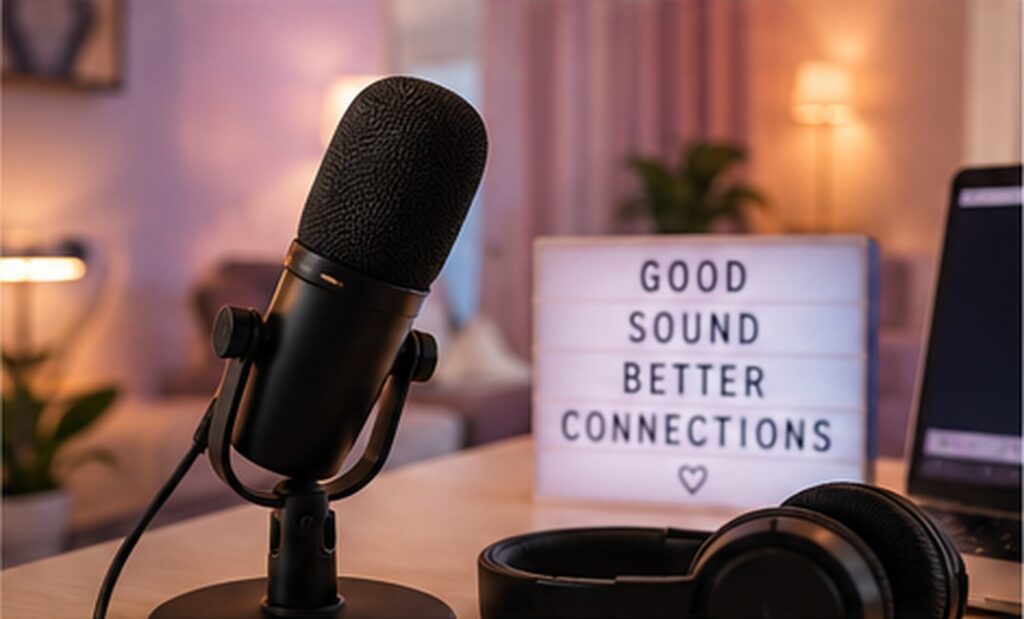
If your built-in microphone isn't doing the job, a basic external USB microphone may be a worthwhile upgrade.
Look for something that works with your computer and allows you to position it comfortably.
You don't need the most expensive model on the market.
Placement and correct settings often matter just as much as price.
And if you already have an external microphone, experiment with its position before replacing it.
Be careful with background music
Music can help create the atmosphere you want in your room, but it shouldn't drown out your voice.
If viewers have to choose between hearing your conversation and listening to your playlist, something needs adjusting.
Test the balance before starting your broadcast.
And make sure any music you use is permitted under the platform's rules and properly licensed for your type of streaming.
Make sound checks part of your routine
At BoleynModels, we know that streaming involves enough moving parts already. Your camera, lighting, internet connection, and broadcasting software all need to cooperate.
Audio shouldn't become another problem halfway through your show.
Before going live, take thirty seconds to check that your microphone is connected, the correct input is selected, and your voice sounds normal.
It's a small habit, but it can save you from spending the first part of your stream troubleshooting instead of enjoying the conversation.